
Your exchanges. In Excel.
Pull prices, balances, order books, and portfolio data from 9 exchanges into structured Excel tables — then act on them: place orders and manage positions from the sheet. No CSV exports, no copy-paste.
9
exchanges connected
1 min
fastest auto-refresh (Pro)
0 CSV
exports to manage
SUPPORTED EXCHANGES
9 exchanges. One workbook.
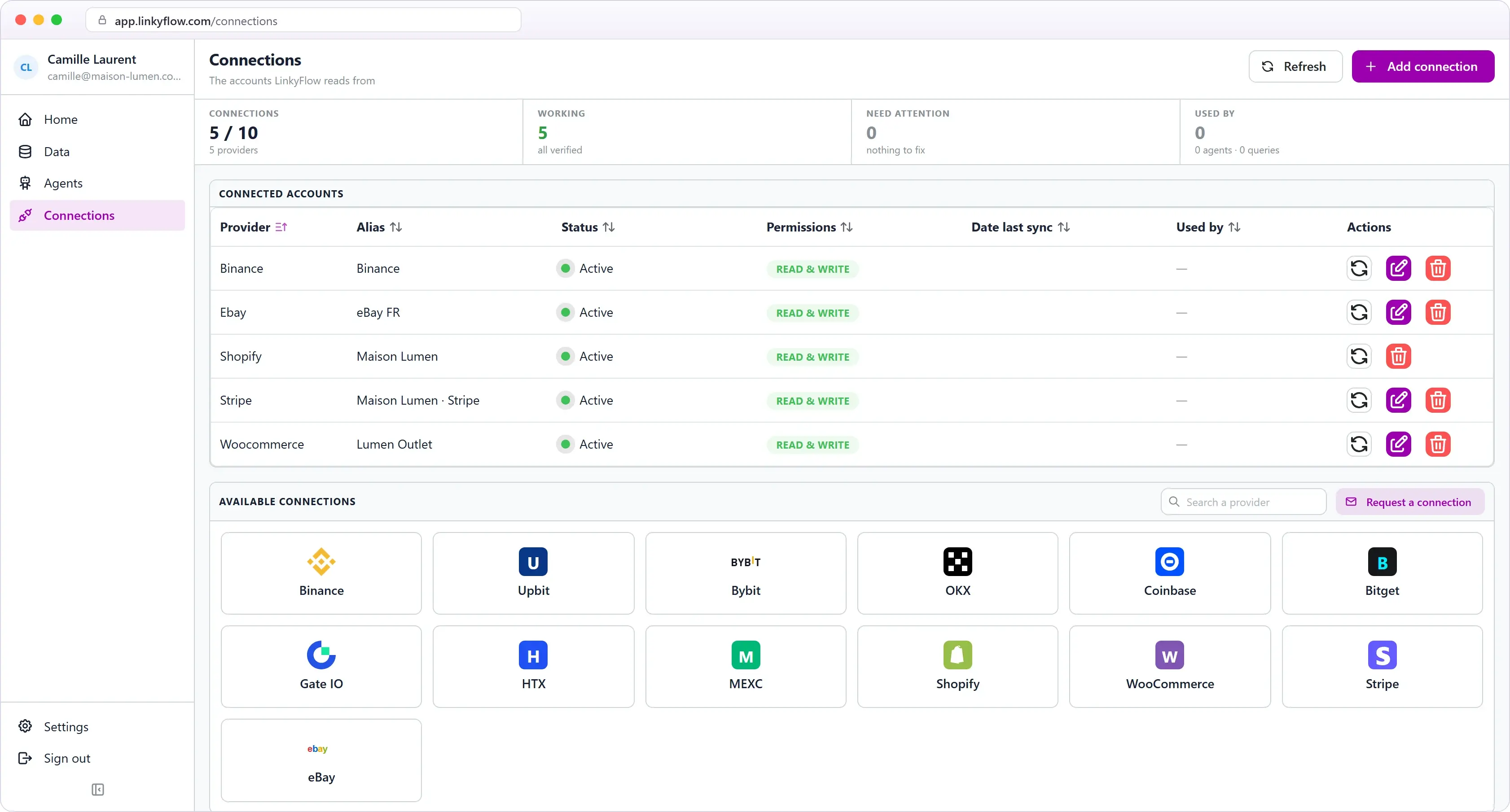
Connect Binance, Coinbase, OKX, and 6 more exchanges. Query balances, prices, OHLCV, and order books from a single Excel taskpane.
HOW IT WORKS
From market data to decisions.
The usual loop — check the exchange dashboard, export a CSV, paste into Excel — disappears. LinkyFlow turns that into a connected, refreshable workbook.
DATA
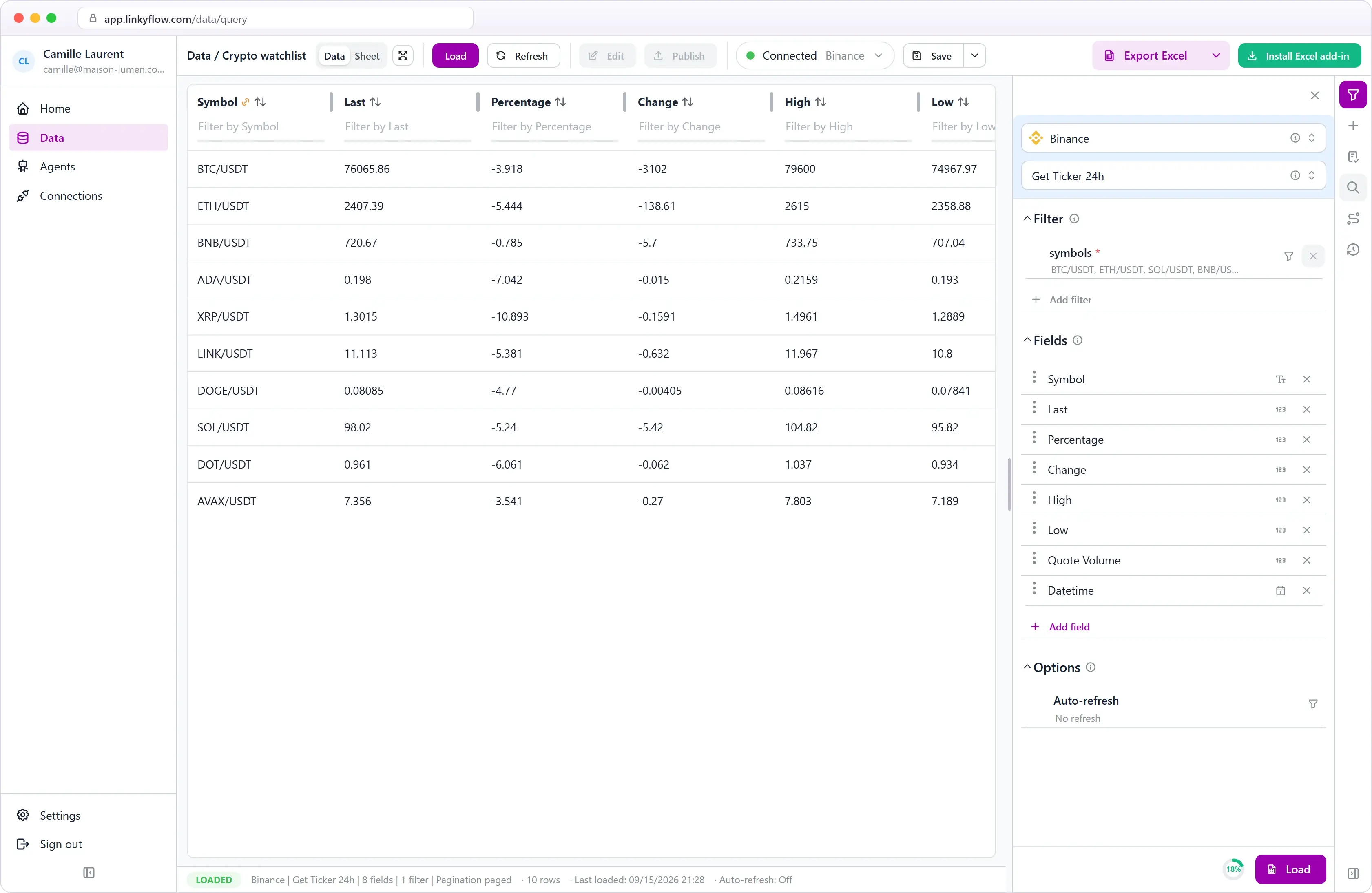
Live prices and balances, in the cell
Authorize API access once. Every refresh pulls updated prices, wallet balances, and portfolio data directly into the sheet — no export needed.
PORTFOLIO
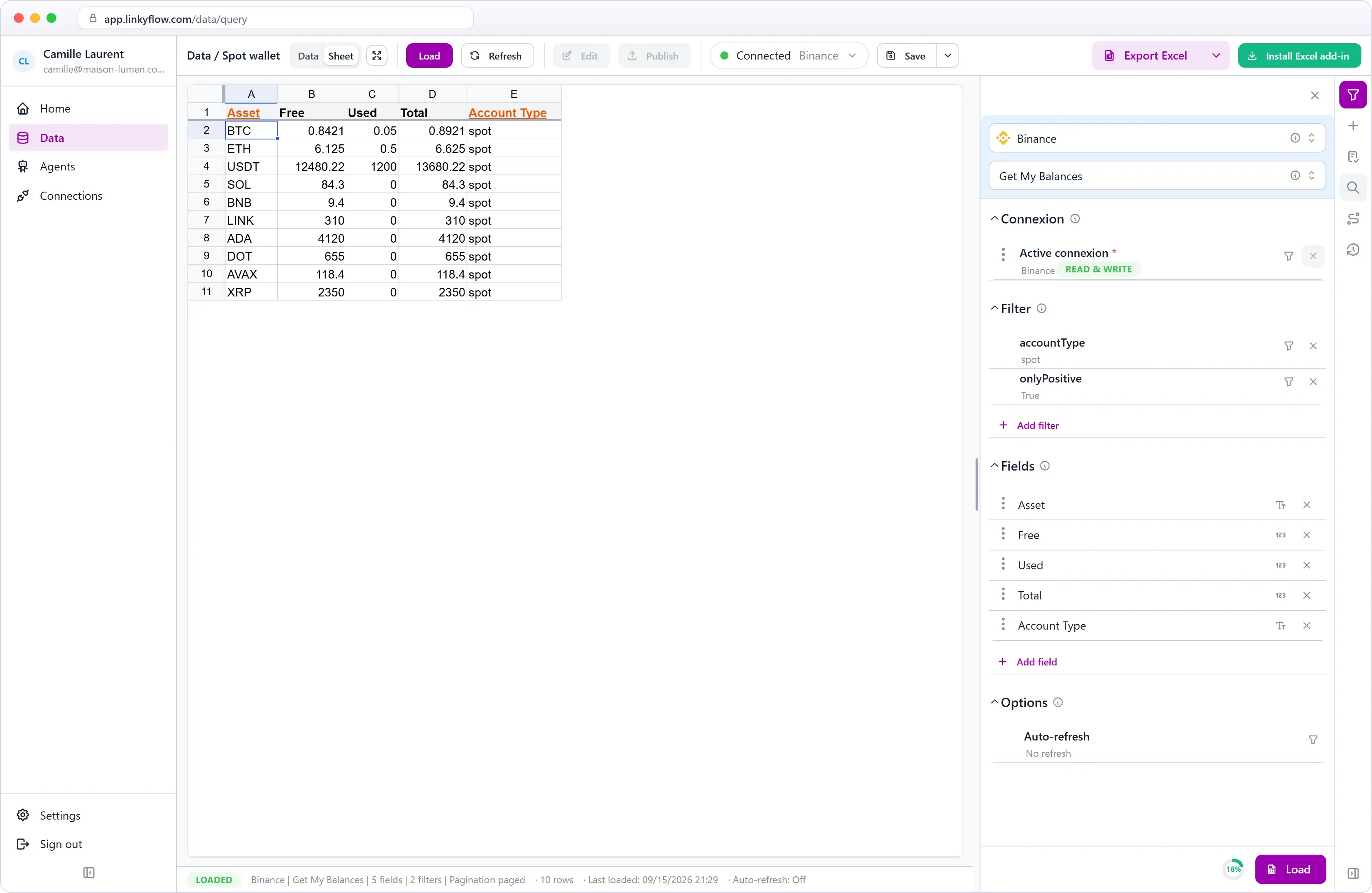
Portfolio views that stay close to the numbers
Load wallet balances into a spreadsheet — in Excel or in the web app — then build allocation, P&L and multi-exchange views on top of them, refreshable at any time.
TRADING
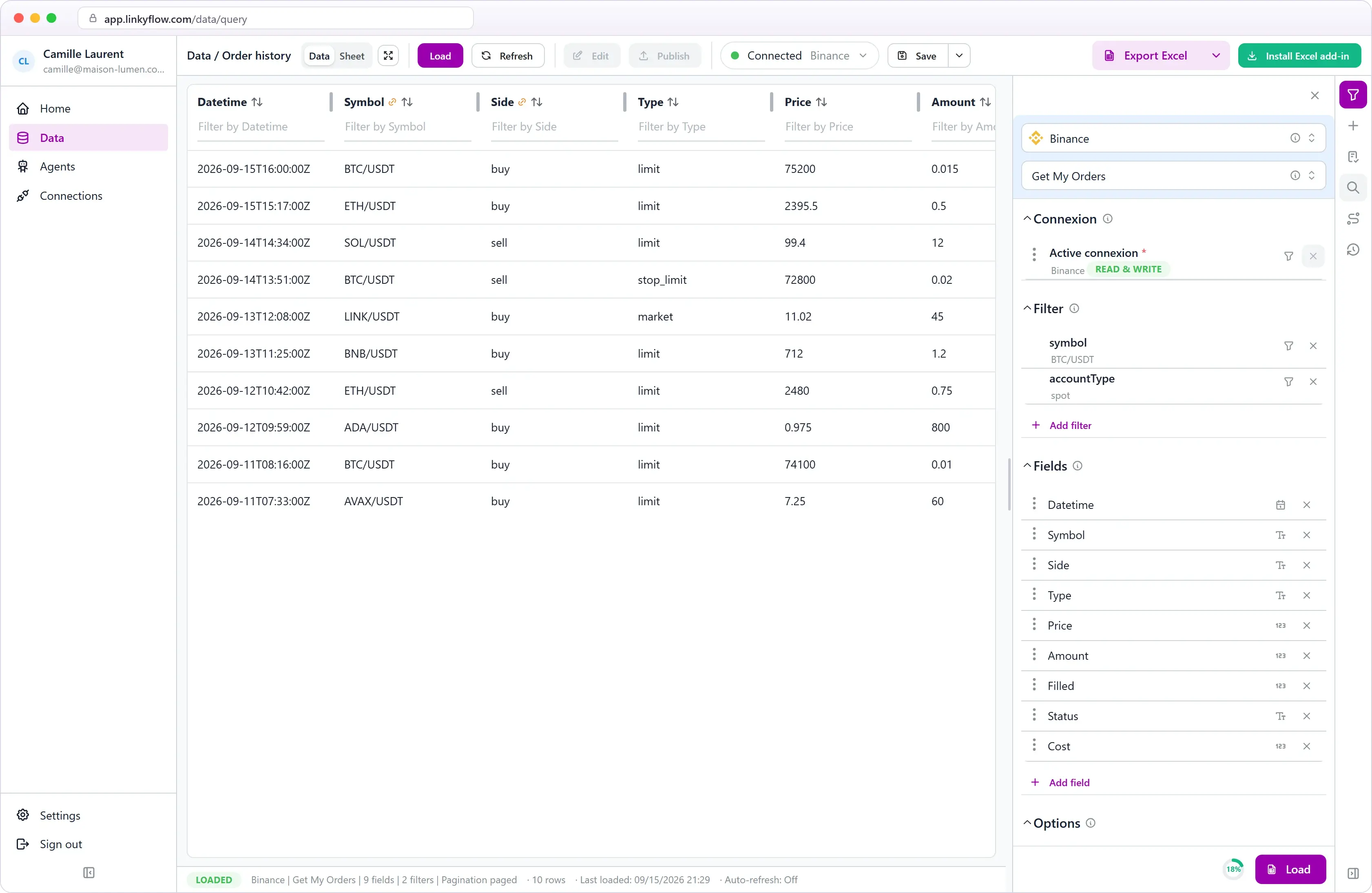
Place orders from reviewed rows
When your API key has trading permissions, validate rows in Excel and send buy or sell orders without leaving the workbook.
WHAT YOU GET
Three reasons to stay in Excel.
Live data, no export
Prices, balances, OHLCV, order books — each resource becomes a refreshable Excel table. Update with one click or on a schedule.
FIFO P&L & tax reporting
Pull transaction history and compute FIFO cost basis, realized gains, and annual tax summaries directly in the workbook.
Read-only by default
Create read-only API keys. LinkyFlow cannot withdraw funds or place orders unless you explicitly enable trading permissions.
3 STEPS · 90 SECONDS
From install to first dashboard.
STEP 01
~15 s
Install the add-in
Find LinkyFlow on Microsoft AppSource or click Install for Excel. Works on Desktop, Web, Mac.
STEP 02
~45 s
Connect an exchange
Paste a read-only API key. The wizard shows exactly which permissions to enable — nothing more.
STEP 03
~30 s
Load your first query
Pick a query in the builder — wallet balances, prices, OHLCV. Click Load. Done.
Your portfolio. Always up to date.
Install LinkyFlow free, connect one exchange, and watch your portfolio populate in under 90 seconds.
Frequently asked questions
Which exchanges are supported?
Binance, Coinbase, OKX, Bybit, HTX, Bitget, Gate.io, MEXC and Upbit — 9 exchanges today.
Can LinkyFlow place orders from Excel?
Yes — when your API key has explicit trading permissions enabled. Read-only keys can only pull data.
Is LinkyFlow useful without trading permissions?
Absolutely. Portfolio tracking, live prices, OHLCV for backtests, and recurring reports all work with read-only API keys.
Does it work on Excel Mac and Excel Web?
Yes. Any AppSource add-in is cross-platform: Windows, macOS, iPad, and Excel for the Web.