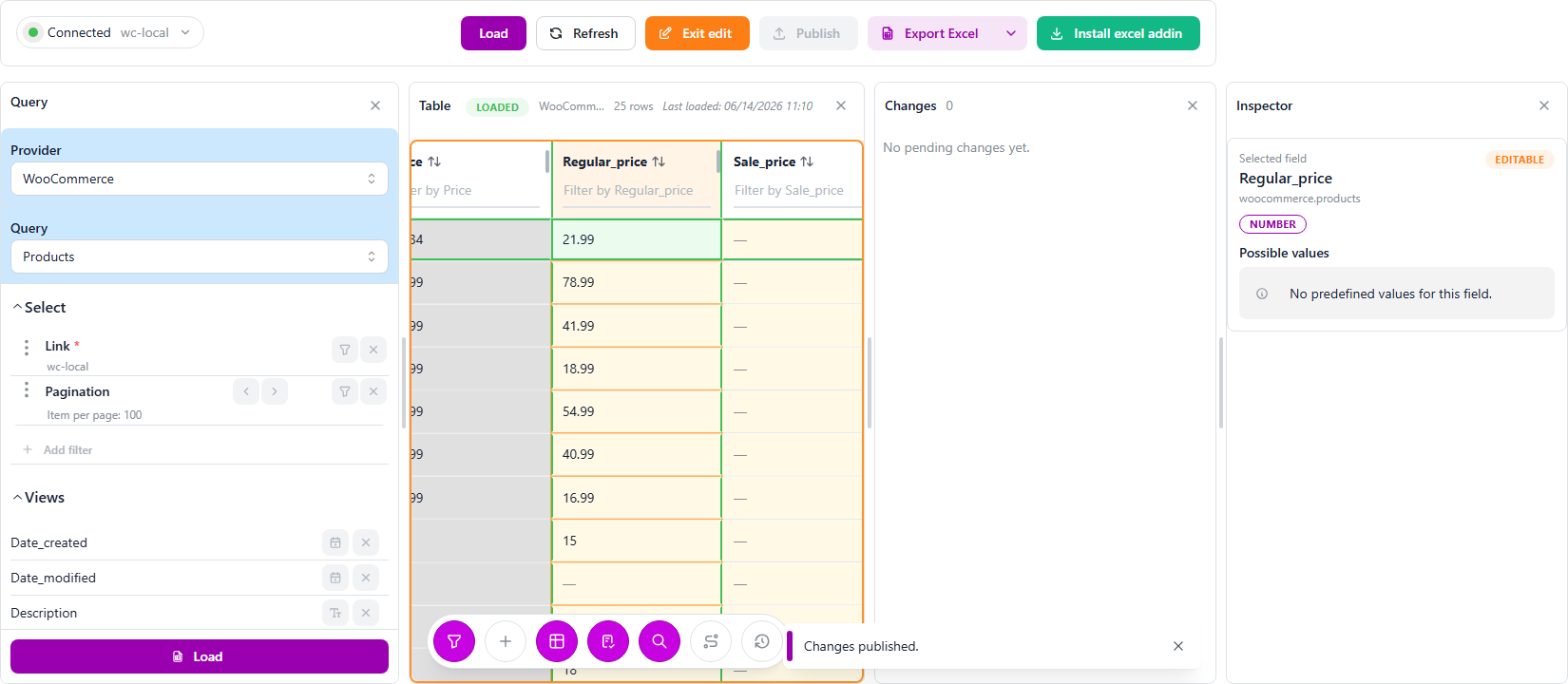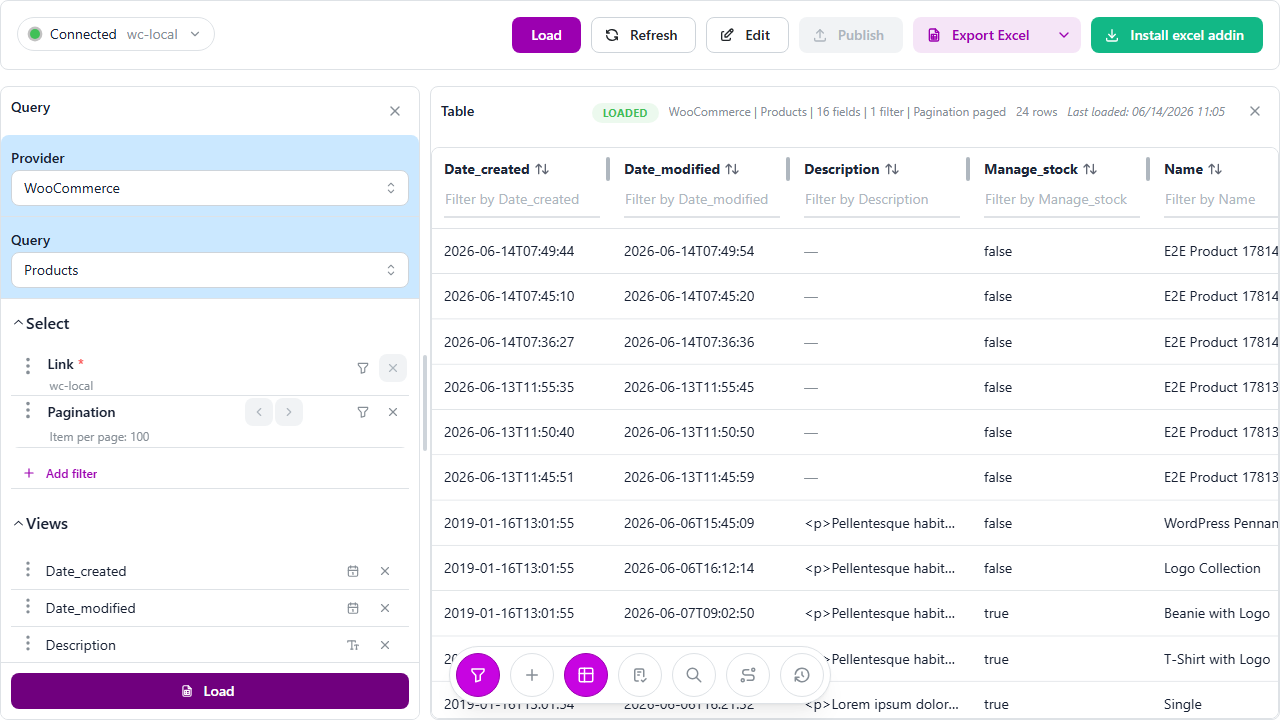
Lila Studio, chapter 1: the morning Léa saw her whole shop at once
Léa opened Lila Studio out of her spare room. It started as a few logo beanies she printed for friends, and somehow turned into a real WooCommerce shop: tees, hoodies, caps, a "Logo Collection" she's quietly proud of. Orders now arrive while she sleeps.
The problem isn't sales. It's mornings.
Every day starts the same way. She opens her store admin, clicks Products to check what's running low. Opens a new tab for Orders to see what came in overnight. Another tab for Customers to recognise a repeat buyer. A reports page somewhere for yesterday's revenue. By 9:15 she has eleven tabs open and still doesn't have the one thing she wants: a single view of her shop.
This is the story of how Léa got that view — and then learned to run the whole shop from it. Four chapters:
- Seeing the shop (you're here) — everything she can read.
- The delivery — updating stock the day a pallet arrives.
- The new collection — adding products without touching the admin.
- Launch weekend — building a wall of coupons in one column.
The first table
A friend tells her about LinkyFlow — a way to talk to WooCommerce from a spreadsheet. She's skeptical (she's seen "Excel integrations" before), but it takes about a minute. She picks a Provider, picks what she wants to look at, clicks Load, and her catalog appears as a clean table.
- Provider →
WooCommerce - Query →
Products - Load
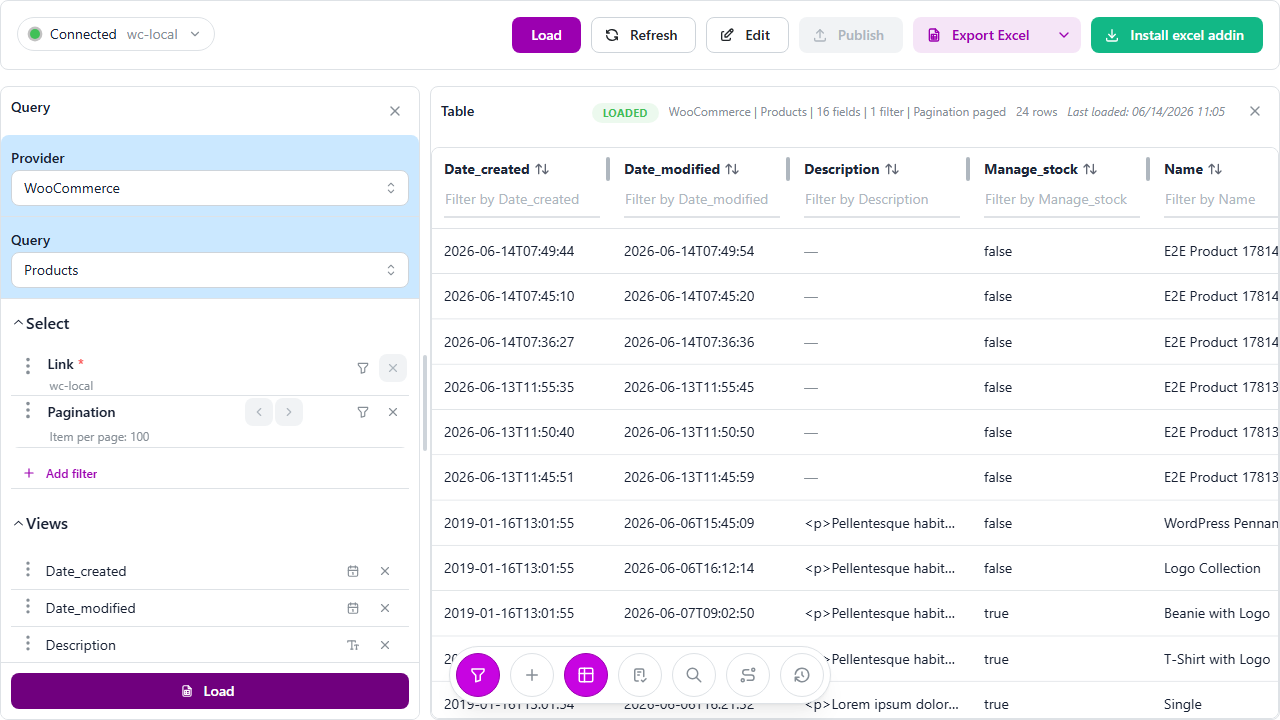
There it is. Every product — the Beanie with Logo, the T-Shirt with Logo, the hoodies — with its price, its SKU, and crucially its stock quantity and stock status, all on one screen. No clicking into each product. 24 rows, the whole shop, in front of her.
On the left she notices the controls she'll come to live in: her connection (it filled in automatically — she only has one store), a pagination setting, an Add filter button, and a list of the columns she wants to see. She can drop the ones she doesn't care about before loading. Simple.
And — this is the part that makes her laugh — the exact same panel runs inside Excel. The screenshots in this story are from the web app, but Léa does most of this in a spreadsheet, because that's where her formulas and her brain already live. Same three moves: WooCommerce → Products → Load, and the rows land in a worksheet.
Everything is just another query
Once she gets it, she can't stop. Each thing she used to open a tab for is just a query she loads into the same kind of table.
Her catalog is more than a product list — categories, tags, brands, variations (the per-size versions of her hoodies), attributes like colour and size, even the reviews customers leave.
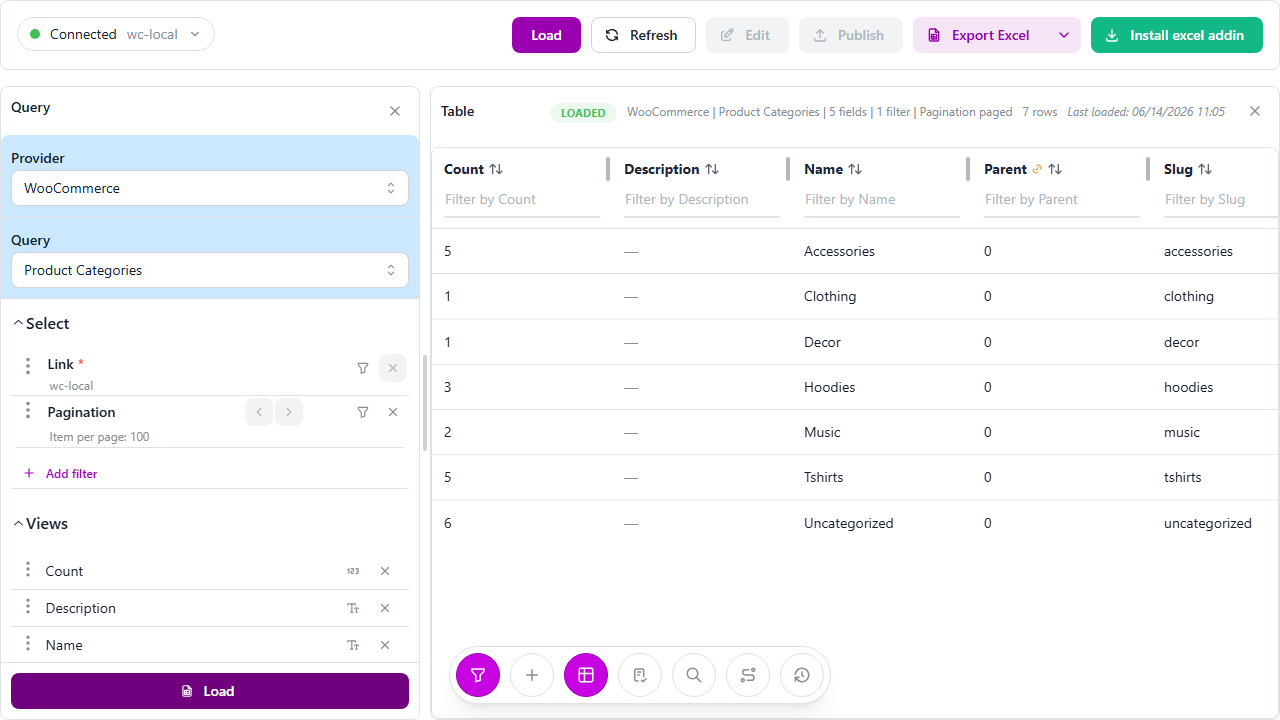
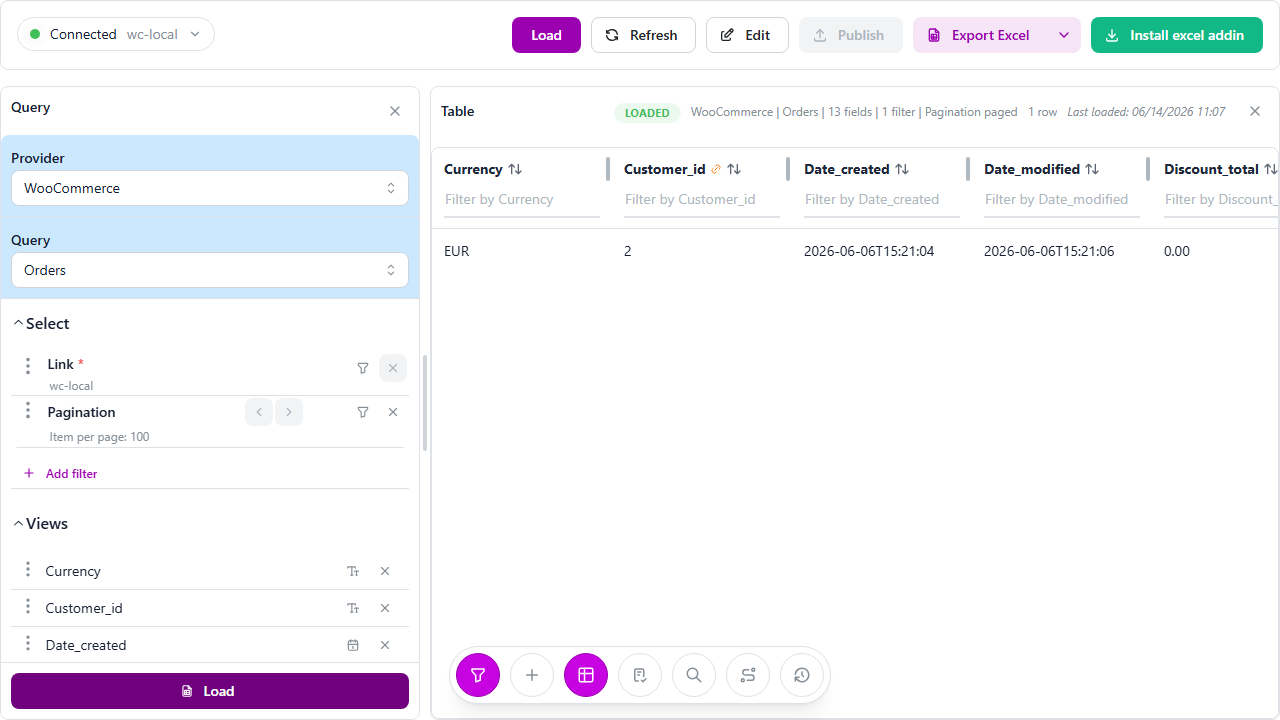
The sales side is where she lingers. Orders, with number, status, total, payment method, and who bought what.
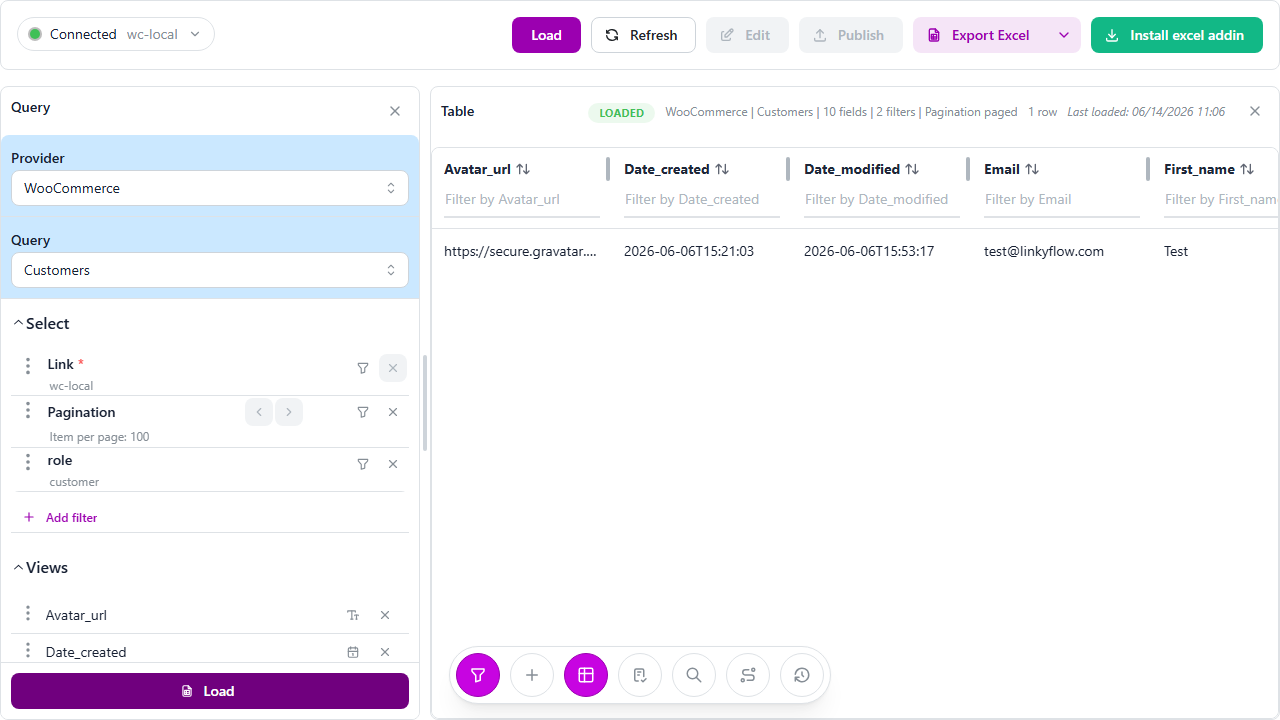
And the customers behind them — email, how many orders they've placed, how much they've spent. (By default it shows shoppers, not admin accounts, which is exactly what she wanted.)
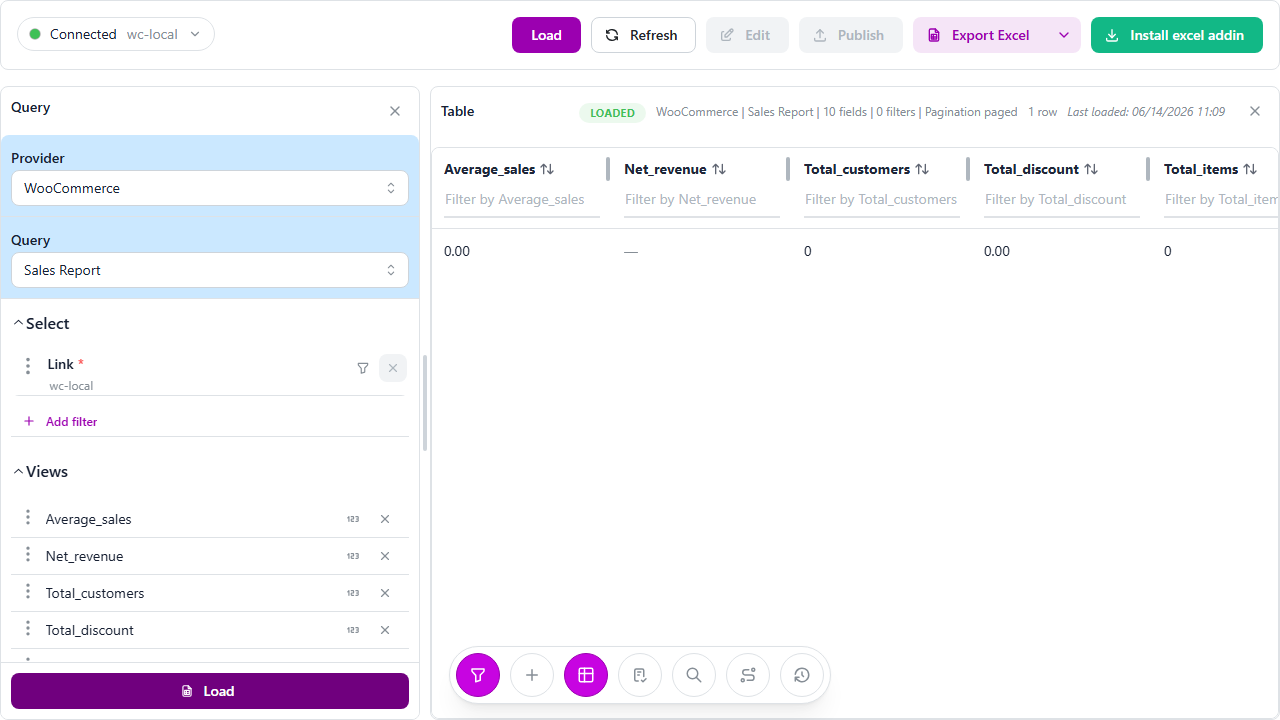
Then the numbers she used to hunt for in a plugin — a sales report for any date range: total sales, net revenue, orders, items sold, customers. One row that tells her how the shop is doing.
There's more she pokes at over her coffee — coupons, top sellers, tax rates, shipping zones, payment gateways, even the store settings. All of it readable, all of it a table she can drop next to the formulas she already trusts. No CSV exports. No copy-paste.
Loading only what matters
Her shop is small now, but she's thinking ahead. Two controls keep it sane when it grows:
- Filters — she can ask for only the products in one category, or only last week's orders, before loading.
- Pagination — one page at a time, or the whole catalog in a single fetch.
Load less, move faster. Her morning ritual just went from eleven tabs to one table.
Nothing broke
Here's what Léa likes most about chapter one: she changed nothing. Reading is the safe half. She looked at her entire shop and her shop didn't even notice.
But a table you can only read is half a tool. The next morning, a delivery van pulls up to her door with sixty boxes — and she's about to find out whether this thing can actually change her shop, not just show it.
Useful links
- LinkyFlow for WooCommerce: /products/woocommerce
- WooCommerce installation guide: /docs/woocommerce-installation
- Catalog & pricing doc: /docs/woocommerce-catalog-pricing
- Sales dashboard doc: /docs/woocommerce-sales-dashboard