What is LinkyFlow?
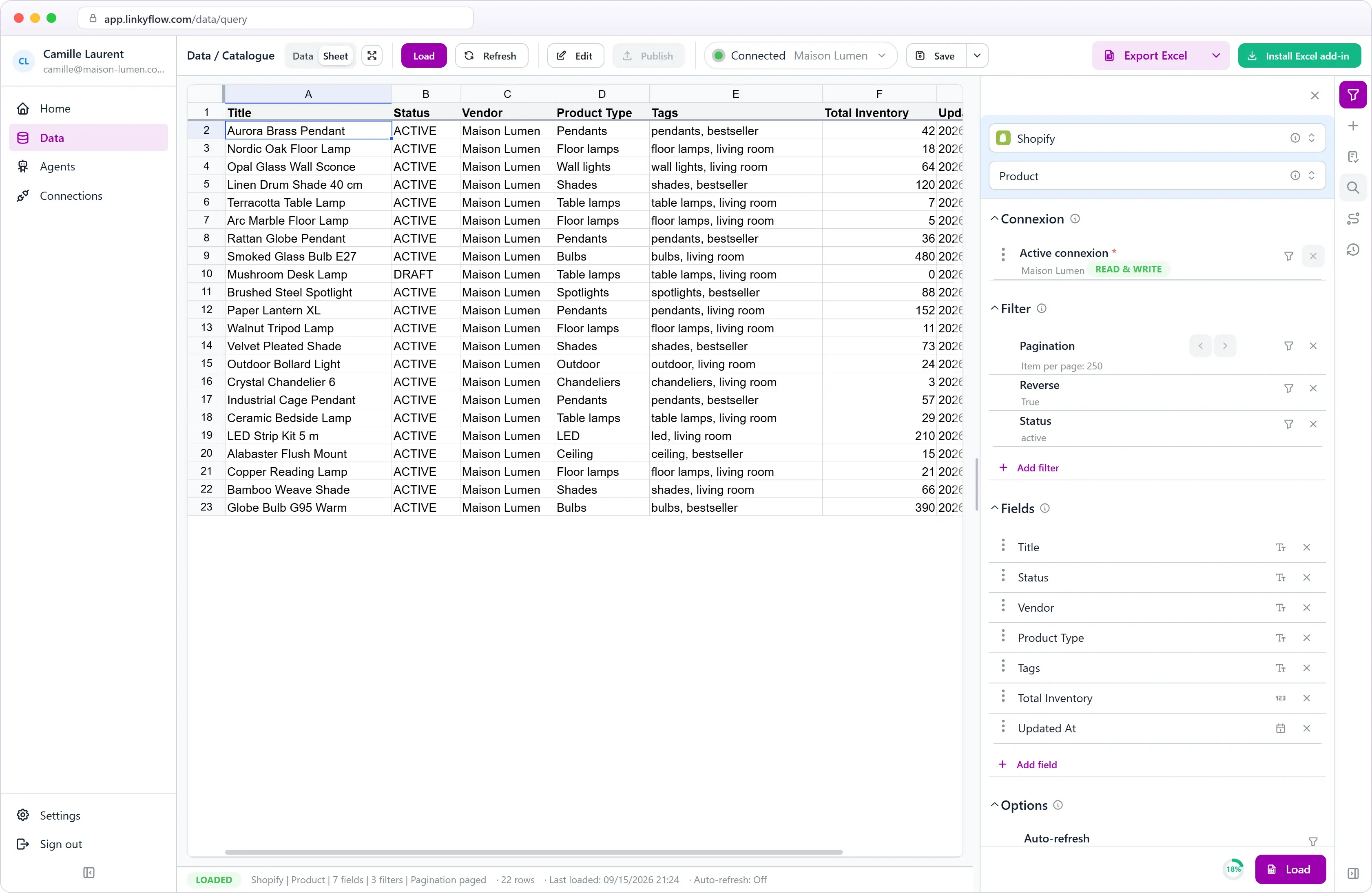
LinkyFlow connects the platforms you run your business on — Shopify, Stripe, WooCommerce, eBay and nine crypto exchanges — to autonomous agents and to a live sheet. Agents run every hour to reconcile payments or keep stock in sync; you review their results and your live data in the LinkyFlow web app or in Microsoft Excel through the add-in, and you can ask ChatGPT or Claude about it through MCP.
What does a LinkyFlow agent do?
An agent runs on its own every hour, and on demand, against your connected accounts. It applies precise rules, records a result for each item it checks and opens a case for each one that needs attention; cases close by themselves when the data changes. Two agents are available today: Shopify + Stripe Reconciliation and Inventory Stock Sync.
Do agents change my data?
Only when they say so. The Shopify + Stripe Reconciliation agent is read-only. The Inventory Stock Sync agent can set a stock quantity at a target store — only in Auto mode, or when you approve a proposal — and it starts in Monitor mode, which writes nothing.
Excel or web: which one should I use?
Either, or both. The web app runs in the browser with nothing to install; the Excel add-in works inside Excel on Windows, macOS, iPad and the web. They share the same queries and actions, and a workbook exported from the web app stays connected when you open it in Excel.
Which platforms are supported?
Shopify, WooCommerce, eBay and Stripe, plus nine crypto exchanges: Binance, Coinbase, OKX, Bybit, HTX, Bitget, Gate.io, MEXC and Upbit. Agents currently work with Shopify, Stripe, WooCommerce and eBay.
Can I use ChatGPT or Claude with LinkyFlow?
Yes. LinkyFlow is available as an MCP server: connect it to ChatGPT, Claude or any MCP client, authorize it, and ask about your connected accounts and your agents. Your API keys are never passed to the model.
Can the sheet act on my platforms?
Yes, where you enable it. Edit products, prices and stock on Shopify, WooCommerce and eBay and publish the changes from the web app or Excel, and place crypto orders — spot, margin and futures — from Excel.
Are my API keys safe?
Credentials are read-only by default and encrypted server-side. Actions such as placing orders or editing products only work once you enable those permissions on your platform.

 Shopify
 Stripe